Restaurant Website Checklist: 3 Things to Get Right First
People pick where to eat quickly, on their phones. Before anything fancy, your restaurant site needs a readable menu, hours and directions, and an easy way to book or get in touch.
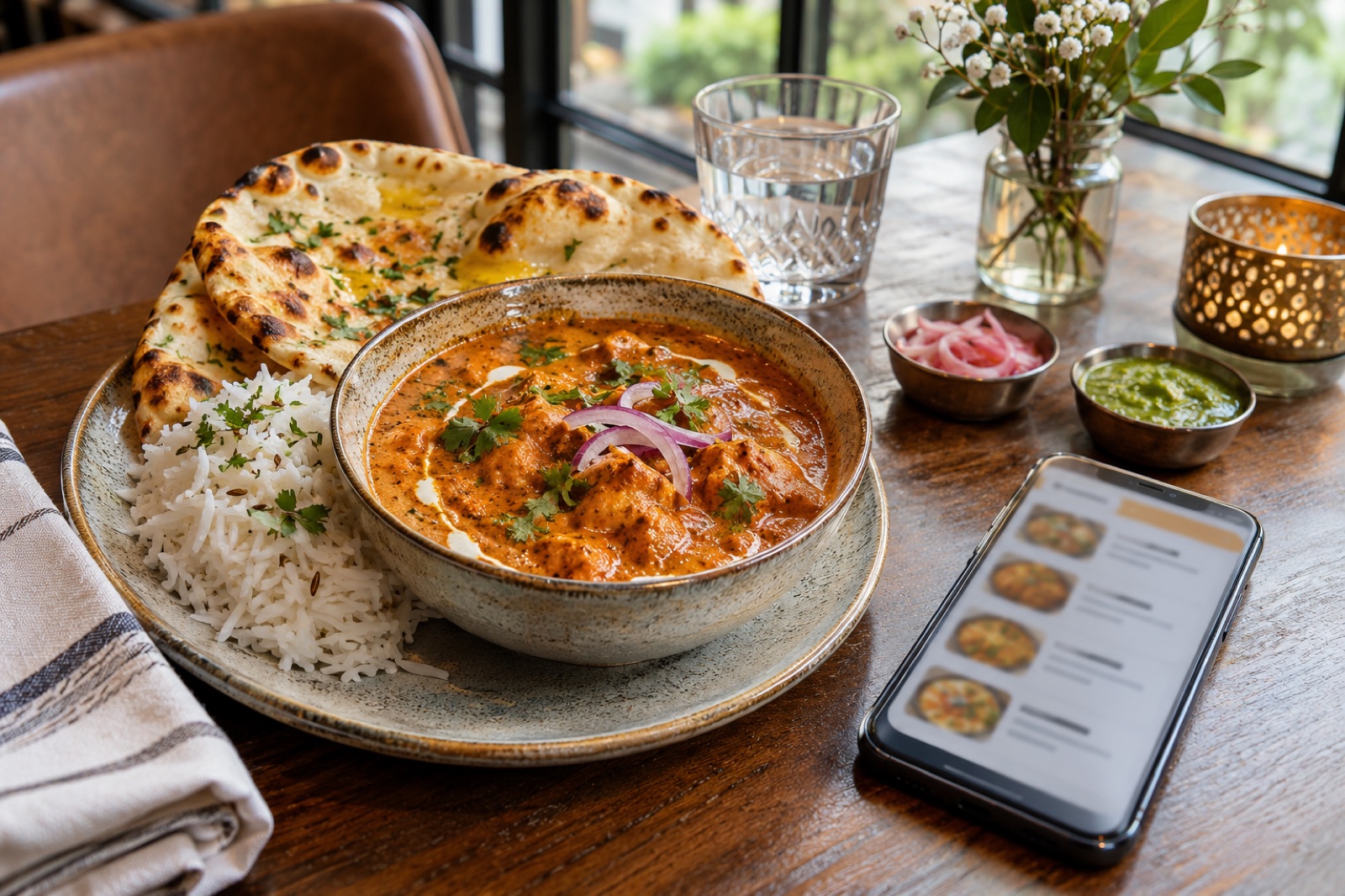
When someone's deciding where to eat, they open a restaurant's site on their phone and look for a few specific things. If they can't find them fast, they go back to the search results and try the next place.
So before animations or a fancy photo shoot, get these three right.
1. A menu people can actually read on a phone
A photo of your printed menu is a pain on a small screen. People pinch, zoom, squint, and the text is often blurry. A PDF can be worse, because it may download instead of opening.
A menu written as page text is easy to browse, easy to update, and gives Google real words to understand what you serve. Use clear sections (starters, mains, desserts, drinks), write a short line on what's in each dish, mark vegetarian or gluten-free options if you have them, and say how guests should ask about allergies.
And keep prices current. An old price online makes for an awkward moment at the table.
2. Hours, map and directions
It sounds obvious, but it's one of the gaps we see most often. Put your hours where people don't have to scroll for them, list your address, and add a map with directions. If your hours change for holidays, update the site and your Google Business Profile at the same time so they never disagree.
If it helps, mention parking or transit, and whether you're accessible.
3. A way to book or get in touch
A reservation request should ask for the date, time, party size and contact details, and say whether you'll reply to confirm. If you already use a booking or ordering service, send guests straight to it.
For takeout, make the route obvious: a number to tap, or a link to your ordering page.
Once the basics are done
Then add the nice-to-haves: a gallery of dishes and your space, daily specials or seasonal menus, your reviews and map, private events or catering, and gift cards if you sell them.
Keeping it current
A restaurant site is only useful if it's up to date. Check specials weekly. Update holiday hours on the site and Google together. Change the menu page the same day prices change. Swap in a few new photos every few months. On our Multi-Page plan, these are covered by unlimited small update requests, so you just send us the change.
The usual mistakes
Out-of-date hours (especially around holidays). A menu that only exists as a PDF or photo. No phone number on the mobile view. Huge images that crawl on mobile data. Lots of social links but no actual information.
See an example
Thistlewood Bistro is a fictional restaurant demo we built to show the Multi-Page plan: food-first design, a menu with prices as real text, and a reservation request form.
Our restaurant websites use the Multi-Page plan: $299 setup + $59/month ($149 setup for Black Friday until November 30, 2026; monthly pricing unchanged). That's 3 to 7 pages, a contact form to your inbox, Google Business and maps integration, SSL and hosting.