One-Page Websites for Trades: Built to Make the Phone Ring
Contractors, handymen and solo trades don't need a big website. They need one that turns a search into a phone call. What a one-page trades site should include.
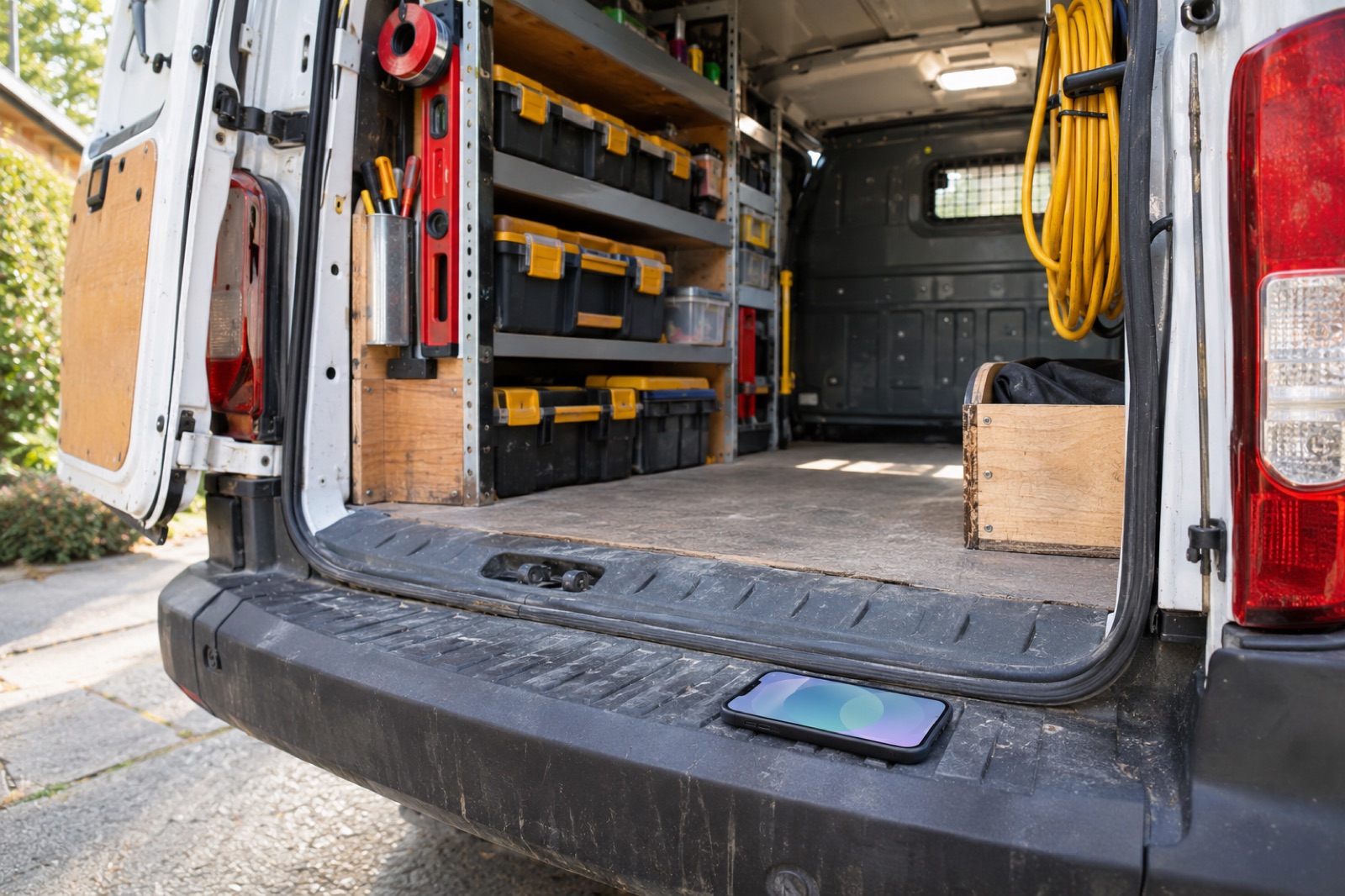
If you're a carpenter, plumber, electrician, cleaner or handyman, a lot of your work comes from people who need something done soon. They search on their phone, look at a couple of sites, and call someone. Your website has exactly one job: make sure that someone is you.
What it needs to say
What you do, and what you don't. List your core services. If there are jobs you don't take, say so. It saves everyone a phone call.
Where you work. Name the neighbourhoods and towns you cover. People want to know you'll come to them before they pick up the phone.
How to reach you. Make your number a button. Many of your visitors are standing in a kitchen with a leak, not sitting at a desk.
Why they can trust you. List licences, insurance or certifications, but only ones that are current and relevant. Show finished jobs, with the customer's OK.
A quote form for people who'd rather write. Ask for the service, the location, rough timing and contact details, and explain whether you start with a call, a site visit or a written estimate.
Why one page is often enough
For a lot of solo trades, a customer decides from one screen. Do you do this job, do you cover my area, how do I reach you? Spreading that over several pages just adds taps.
The order that works on a phone
- A headline that says what and where ("Custom carpentry in Edmonton and area")
- Call and quote buttons right under it
- A short list of services
- Photos of recent work
- Your service area
- Why you: experience, licences, insurance, how you work
- The quote form and contact details
Keep a call button visible as people scroll, like a bar fixed to the bottom of the screen.
Photos win jobs
Real photos of your work do more than any sentence. Take before and after shots from the same angle. Use daylight rather than a flash. Move tools and clutter out of the frame. And ask the customer before you post their home.
Write like you talk
Write the way you'd talk to someone on the phone. Instead of "quality craftsmanship", say what you actually do: "We build decks, kitchens and custom built-ins, and we show up when we say we will." Specific beats vague every time.
Mistakes we see a lot
No phone number at the top of the mobile view. A list of every possible service, so the main ones get lost. Stock photos instead of your own work. Expired licences or insurance still on the site. A contact form that asks for too much before anyone's talked. No service area, so people outside your range call anyway and people inside it aren't sure.
Each of these is usually a quick fix, and each one removes a reason for someone to move on.
Don't forget the map
Many trades customers find you on Google Maps first. Make sure your Business Profile has the right category, service area, hours and phone number, and links to your site. Add photos of real jobs there too, and ask customers for honest reviews.
See an example
Grainforge Carpentry is a fictional demo we built to show the One-Page plan: call and quote buttons up front, the service area listed, and a quote form that goes to your inbox. There's more on our trades websites page.
What it costs
One-Page: $149 setup + $39/month. Until November 30, 2026, Black Friday pricing brings setup to $99; monthly pricing stays the same. You get a mobile-first page, hours, address, services and contact, click-to-call and directions, SSL and hosting, and up to 2 update requests a month. No contract.