Demo-First Web Design: See Your Website Before You Pay
Many web designers ask for a deposit before you see anything. We do it the other way round. How our demo-first process works, and why it protects you.
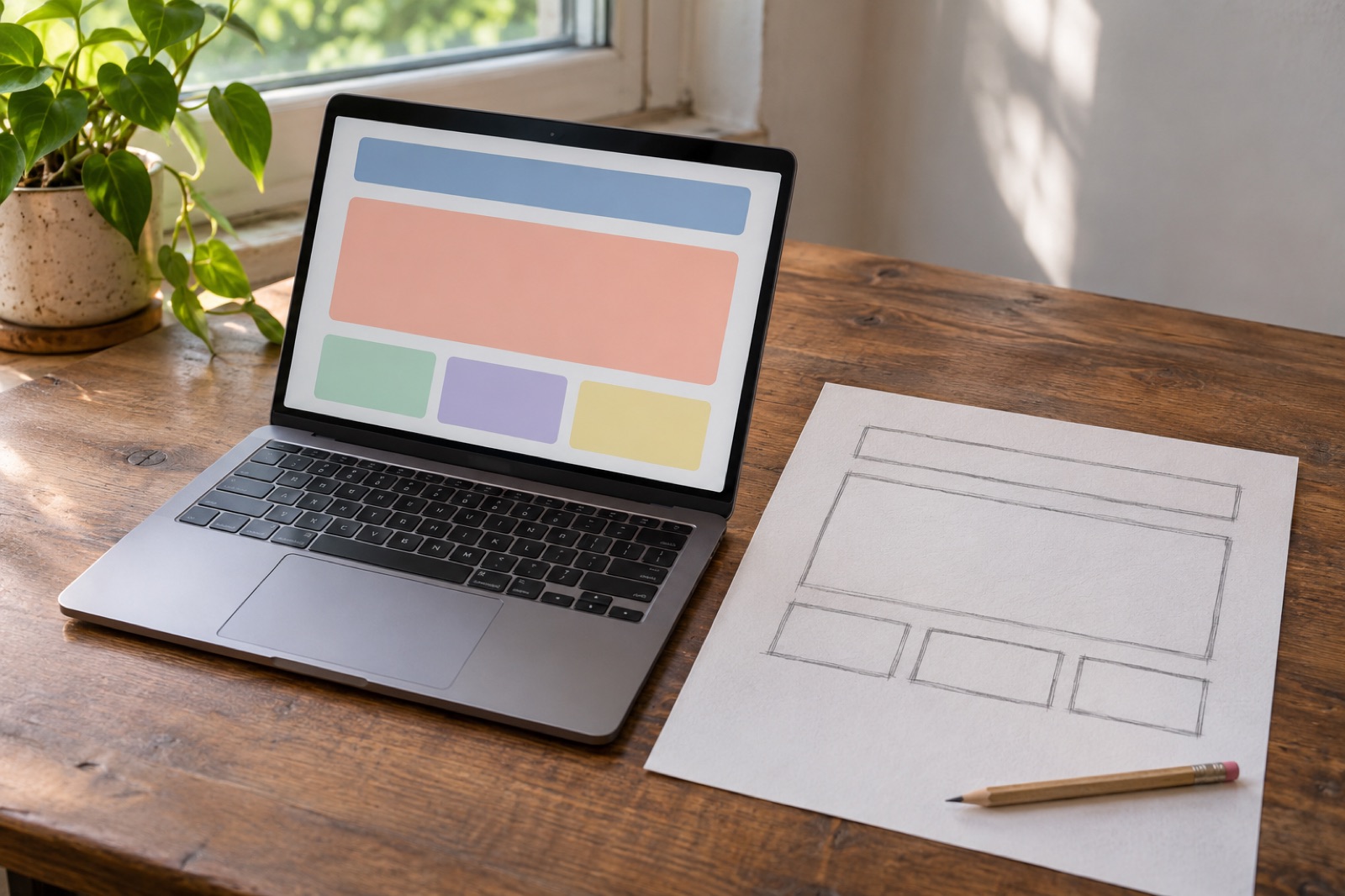
Here's how buying a website often goes. You pay a deposit, fill in a long questionnaire, wait a few weeks, and only then see what you paid for. If you don't like it, you're already in.
We always thought that was backwards. So we build first.
1. Tell us about your business
Send the basics through our contact form: what you do, where you work, and any links you already have, like a Google Business Profile, Facebook page or Instagram. Logo and photos help, but if you don't have them we'll work with what's there.
The more you share, the closer the demo gets to the real thing. The most useful details are your services (and prices, if you share them), your hours and service area, the one thing you most want visitors to do (call, book, ask for a quote, visit), and any websites you like the look of.
2. We build a free demo
We put together a working preview: your services, your hours, your contact details, laid out the way the real site would be. It's a page you can open on your phone, not a picture of one.
It costs nothing and you're not committing to anything.
3. Like it? Sign the quote
If the demo looks right, you pick a plan and sign the quote. If something needs changing, tell us. If it's not for you, you walk away and owe nothing.
4. Live within 24 hours
Once the quote's signed, the site goes live within 24 hours. Hosting, SSL and a mobile-first design come with every plan.
Why we do it this way
Most people find it hard to judge a website from a description. Seeing it is easier. It also means you never pay for something you haven't seen. It's faster too, because starting from a working page cuts out weeks of back and forth. And honestly, it keeps us on our toes. If the demo isn't good enough to win your business, we haven't earned it.
How to check your demo
Look at it the way a customer would:
- Open it on your phone first. Can you see what you do and how to reach you without much scrolling?
- Tap the phone number. Does it start a call?
- Read the services. Are they described the way you'd explain them?
- Check the details. Hours, address and prices need to be exactly right.
- Show a friend. Someone who doesn't know your business will spot what's unclear.
Send back anything you'd change. Small tweaks are part of the process.
Demo-first vs deposit-first
| Typical deposit-first | Our demo-first | |
|---|---|---|
| When you pay | Before design starts | After you've seen and approved a demo |
| What you see first | A questionnaire, then mock-ups weeks later | A working preview |
| If you don't like it | The deposit may not come back | You walk away, nothing owed |
| Time to launch | Often weeks | Within 24 hours of the signed quote |
To be fair, not every designer works deposit-first, and some projects genuinely need a longer planning phase. For most small business sites, though, seeing a working demo first is just less risky.
Who it suits
Busy owners who don't want a long questionnaire. People who've paid for work they didn't like before. Businesses that already have a Google profile or social pages we can build from. And anyone who finds it easier to react to something real than to describe what they want.
After launch
Your monthly plan covers hosting, SSL and update requests (up to 2 a month on One-Page, unlimited small updates on Multi-Page). There's no contract. The only extra is your domain, about $15 to $20 a year.
Quick answers
Does the demo cost anything? No.
What if I want changes after I sign? Send them as update requests on your plan.
Do I need a domain first? No, we can help you choose one.
How long does the demo take? It depends on how much we have to work with. We'll give you an estimate when you get in touch. The 24-hour clock starts when the quote is signed.
Plans
One-Page: $149 setup + $39/month. Multi-Page: $299 setup + $59/month. Store & Booking: $499 setup + $99/month. Custom / Advanced: from $1,000, every build quoted. Until November 30, 2026, Black Friday pricing takes One-Page setup to $99 and Multi-Page to $149. Monthly pricing stays the same.