Do Creators Need a Website? How Your Own Site Wins Brand Deals
Your bio link gets the click, but your website closes the deal. What a creator website should include, with Little Mister Diaries as a live example.
If you're a creator, your audience lives on YouTube, Instagram or TikTok. So why bother with a website? Because brands, sponsors and partners look for proof before they reach out, and a website is where you give it to them.
A link-in-bio page isn't a pitch
A link-in-bio page is a list of buttons. That's fine for sending fans to your latest video. It doesn't make a case to a brand. A website can.
A live example: Little Mister Diaries
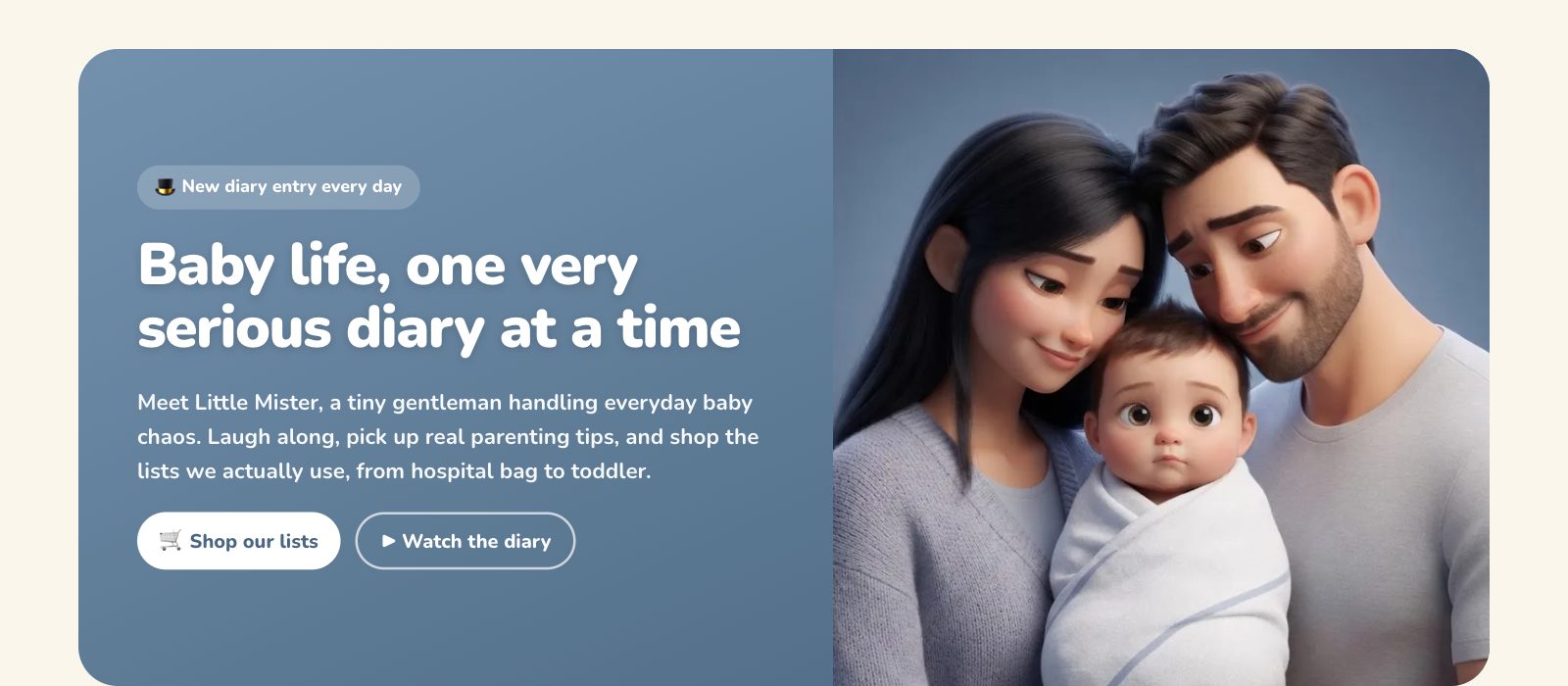
Little Mister Diaries is a parenting creator site built around a daily diary series. It has shop-by-stage lists from hospital bag to newborn essentials, the latest diary episodes on the home page with links to watch, and a "Work with us" page for brands interested in story integrations and product features.
What brands want to know
When a brand finds you, they want to know who your audience is and how engaged they are, what you've done before, and how to contact you about working together. A media kit page answers the first two. An enquiry form answers the third, and collects what you need to reply.
Guides keep working after the post fades
Videos and posts drop out of feeds quickly. A written guide, like the best brunch spots in your city or a newborn checklist, can keep bringing in visitors through search for months, including people who've never seen your channel.
Some ideas by niche:
- Food: best brunch spots in your city, a budget date-night guide
- Parenting: a hospital bag checklist, first-month essentials
- Travel: weekend itineraries, packing lists
- Home and DIY: tool starter kits, step-by-step project guides
Each guide can link to products you recommend, so it can earn while it's being found.
Own your domain and your list
A site on your own domain looks professional and stays yours if a platform changes its rules. An email list lets you reach your audience directly, without waiting on an algorithm.
What to have on day one
- Home: who you are, what you make, links to your channels.
- Media kit: audience, reach, engagement and past partners, kept current.
- Work with me: what you offer brands, and a short enquiry form.
- Guides: one or two to start.
- Contact: a business email, not your personal one.
Common creator-site mistakes
A media kit with old numbers, which can lose trust fast. No clear way for brands to contact you. A site that's just a copy of the link-in-bio page. No guides or lists, which means fewer topics for people to find you through. And slow pages full of autoplay video that struggle on a phone.
A simple site with current numbers, a clear enquiry form and a few useful guides often does more than a flashy one.
Creator plans
- Creator: US$29/month (CA$39)
- Creator Pro: US$79/month (CA$109)
We build your site free and put it live on a preview link for 14 days. If you keep it, setup is US$99 (CA$139) one-time on monthly plans.