How to Make Your Google Business Profile and Website Work Together
Your Google Business Profile gets you on the map. Your website explains what you do. Practical steps to connect the two so each makes the other stronger.
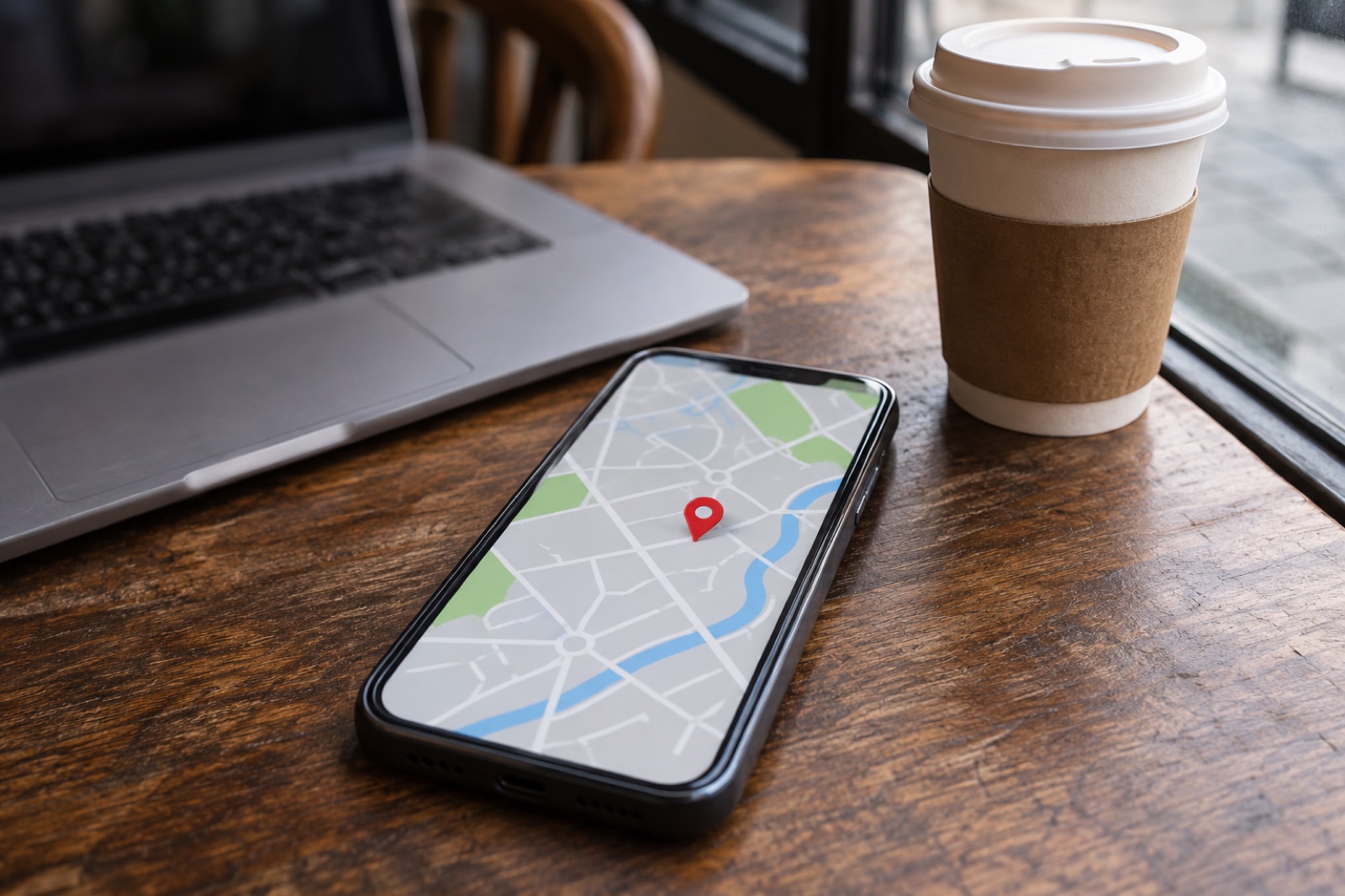
A Google Business Profile is one of the best free tools a local business has. But it's a listing, not a website. The businesses that get the most out of Google use both, and link them up properly.
Think of the profile as your shop sign and the website as the inside of the shop. The profile shows your hours, address, phone, reviews and photos on Maps, and it's often the first thing a customer sees. The website has room for everything the profile can't fit: each service explained, prices or price ranges, your service area, a contact or booking form, and the details that help someone decide.
1. Put your website on your profile
Add your website address to your Business Profile so people who like your listing can tap through. If you have a dedicated booking or quote page, you can often add that link too.
2. Make your details match exactly
Same business name, address, phone and hours on both. Mismatches confuse customers, and they can confuse Google too. When your hours change, update both the same day.
Watch the small stuff: "Street" vs "St", suite numbers, local vs toll-free number. Pick one version and use it everywhere.
3. Add a map and your profile link to the site
Embed a map on your contact page and link to your Google profile, so visitors can read your reviews and get directions without hunting.
4. Give each main service its own page
Your profile lets you list services, but only briefly. A page per service on your site, written in the words customers use, gives Google more to understand and gives customers the detail they're after.
A good service page says what the service is and who it's for, what's included and what isn't, the price or how pricing works, how long it usually takes, where you offer it, and ends with a clear button to call, book or ask for a quote.
5. Get the categories right
Your primary category on the profile has a big effect on which searches you show up in. Pick the one that best describes your main business, then add secondary categories for other services you genuinely offer. Make sure your website talks about the same services, in similar words.
6. Keep both fresh
Post updates and photos on your profile, and keep prices, menus and hours current on the site. A profile with recent activity looks cared for. Good post ideas: a new service or seasonal offer linking to its page, a recent project with a photo, holiday hours, a new guide on your site.
Reviews connect the two
Reviews live on your profile, but they help your website too. Someone who reads good reviews is more likely to tap through and get in touch. Ask customers for honest reviews, reply to each one politely, and never offer anything in exchange for a review.
The mistakes we see most
No website link on the profile. Different phone numbers on the profile and the site. Holiday hours updated in one place but not the other. A website with no address or service area, so people can't tell whether you're local. And ignoring reviews, especially the negative ones.
Done for you
Our Multi-Page plan includes Google Business and maps integration, 3 to 7 pages for your services, and a contact form straight to your inbox. $299 setup + $59/month ($149 setup for Black Friday until November 30, 2026; monthly pricing unchanged), with hosting and SSL included and no contract.